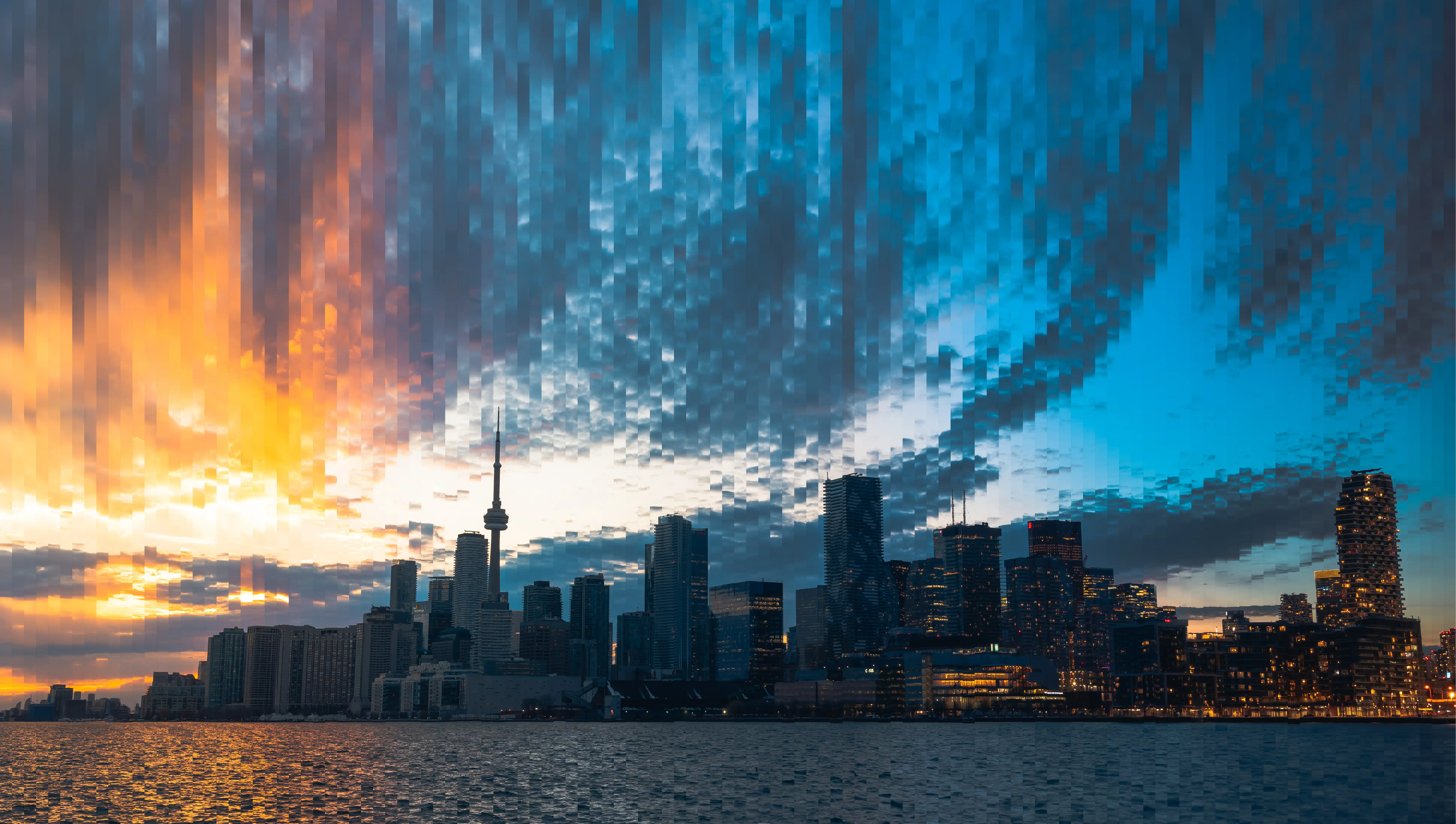
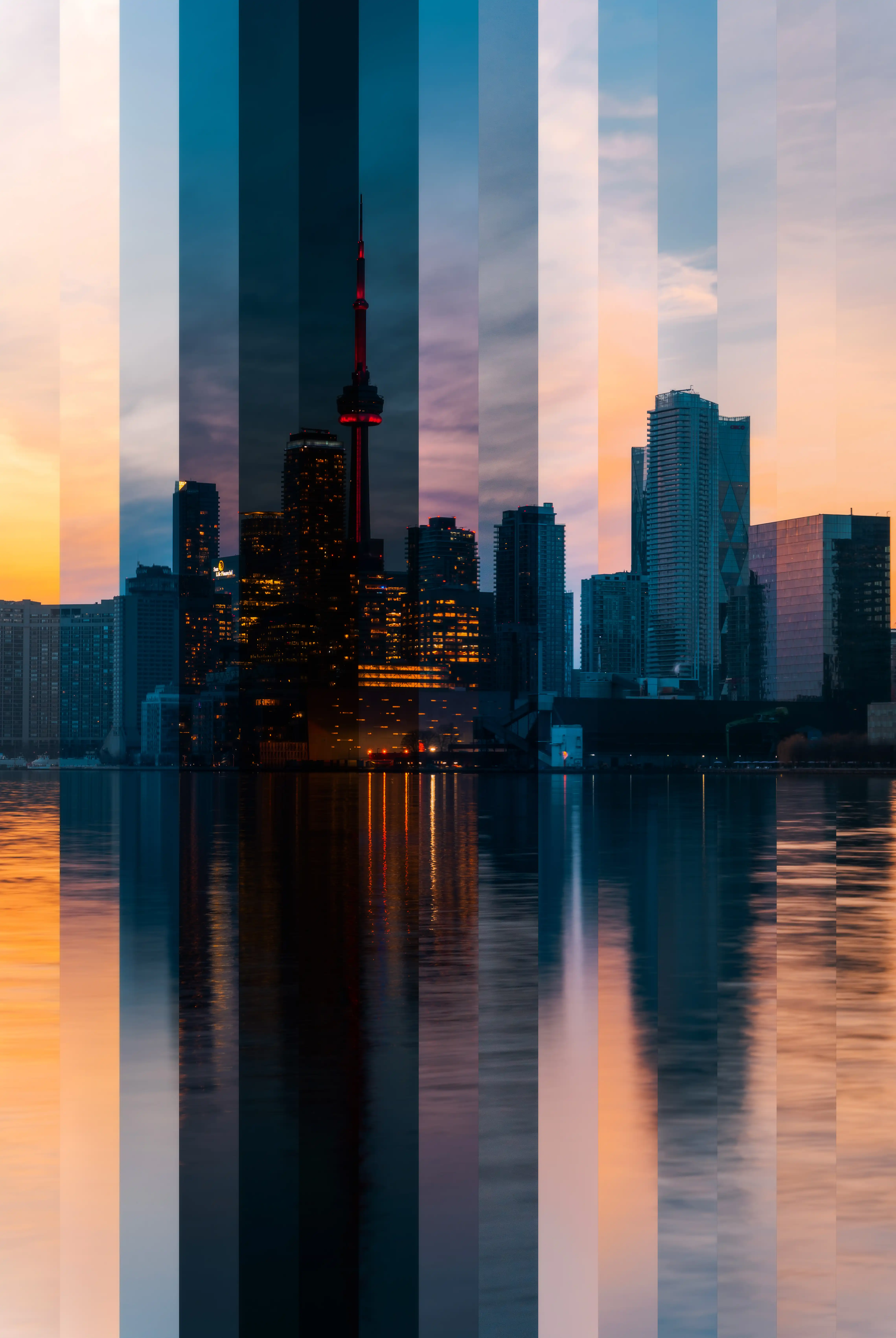
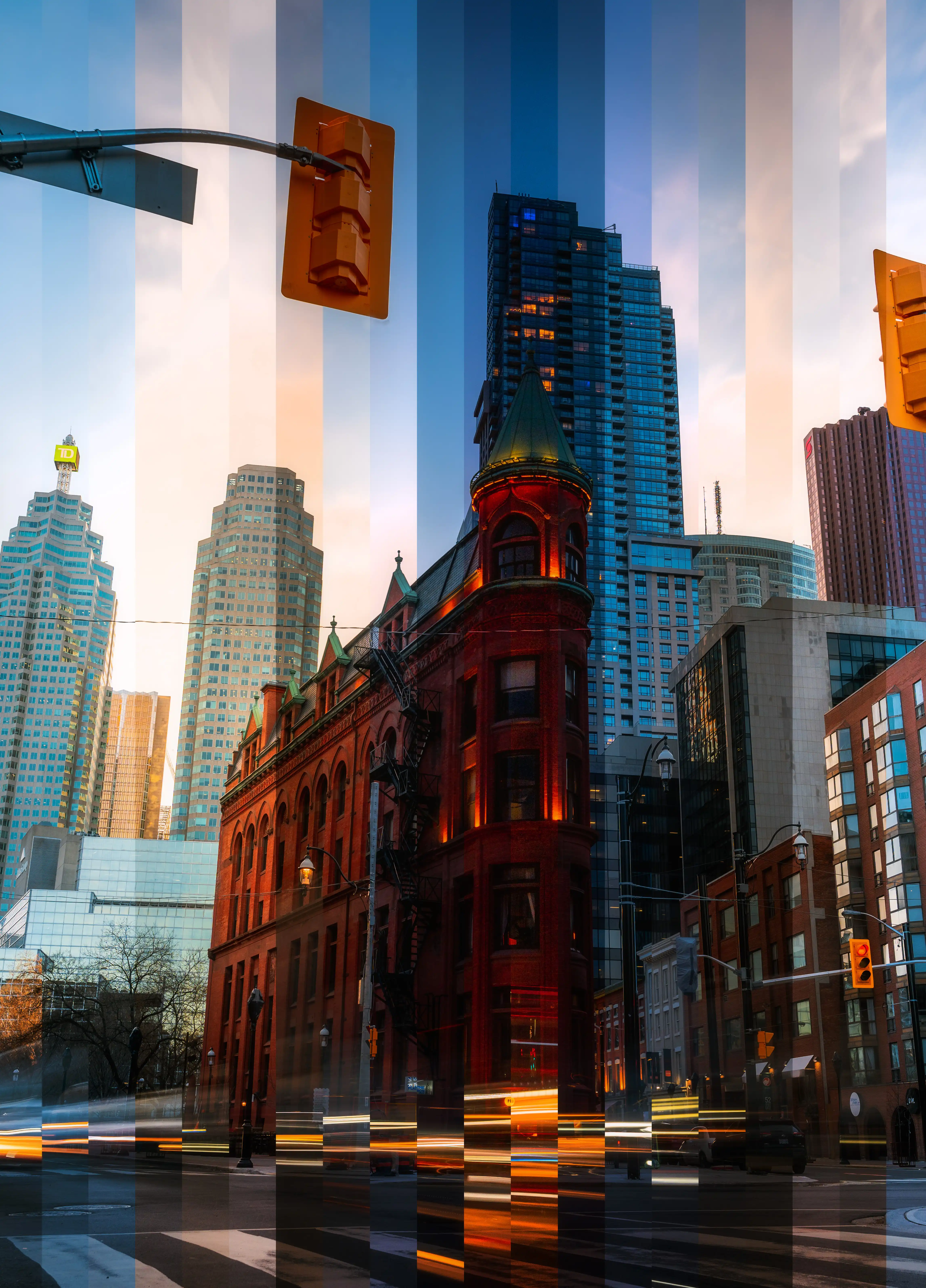
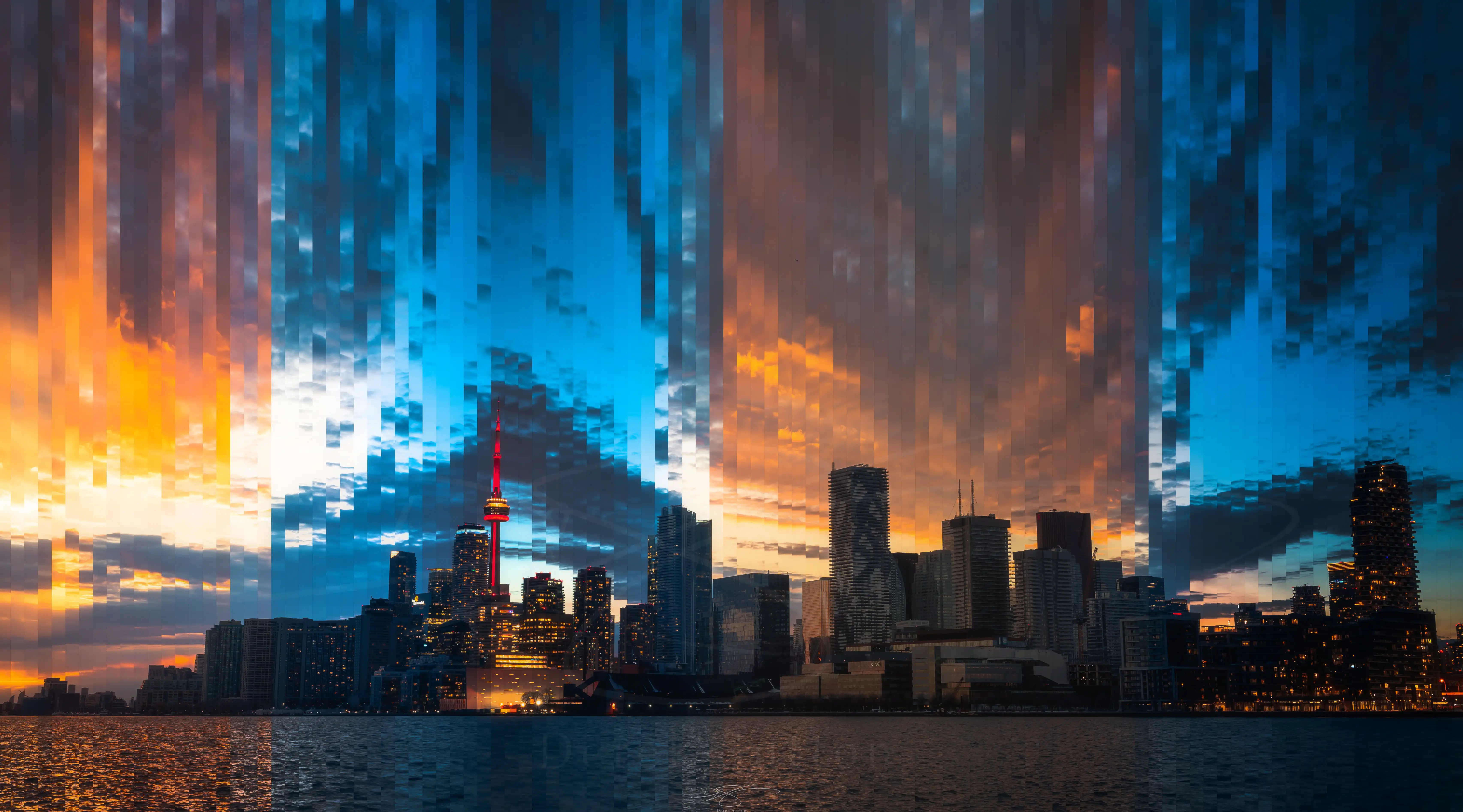
A timeslice photograph is one image made from many. The technique compresses hours into a single frame — showing sunrise and sunset, daylight and blue hour, all in the same composition.
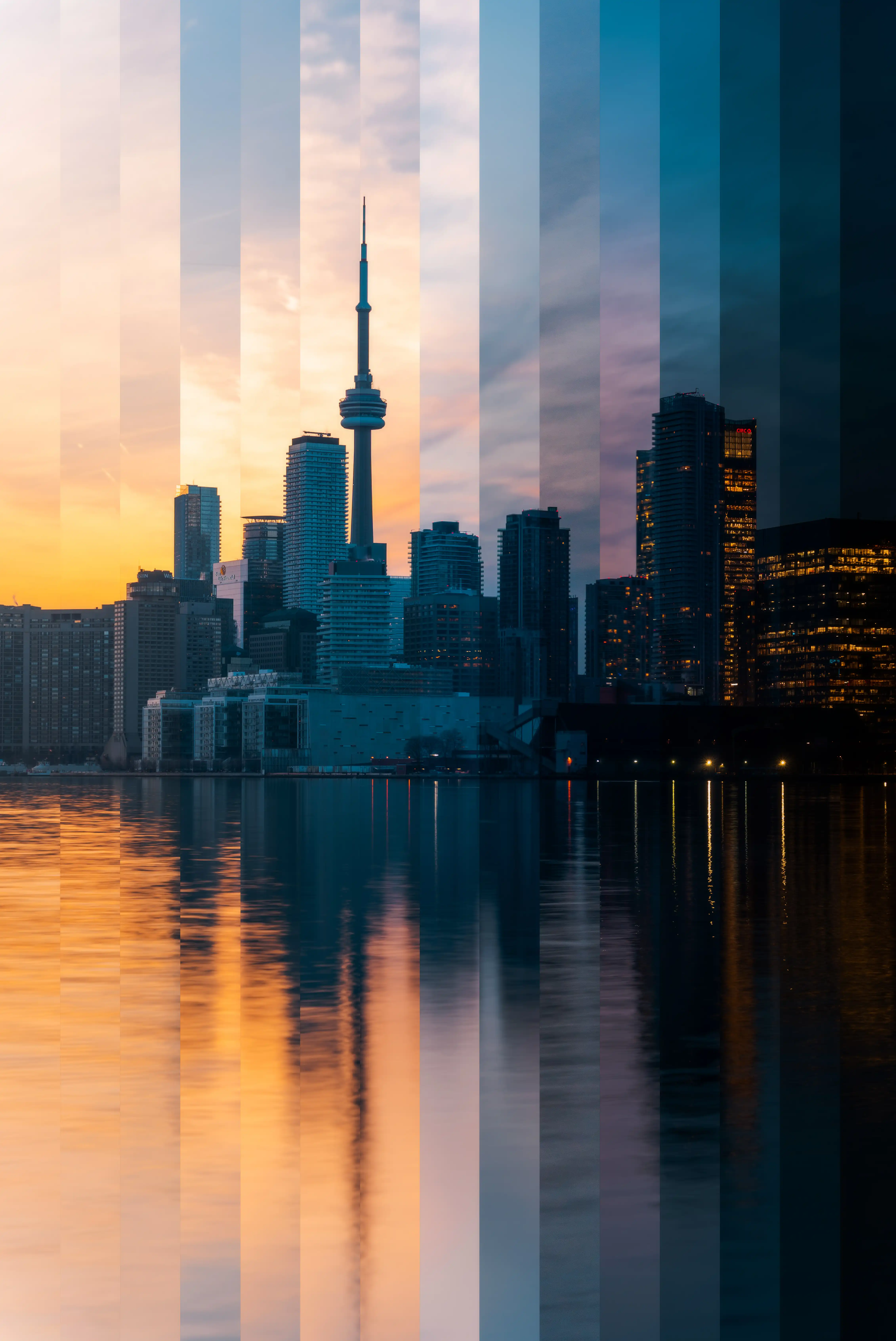
The concept is deceptively simple: set up a camera on a tripod, lock the composition, and shoot at regular intervals across a span of time. Select the frames that represent the most significant transitions. Stack them as layers in Photoshop. Slice vertically through the stack at even intervals, revealing a different moment in each column. The result is a panoramic image where time moves from left to right.
How It Works
The execution requires a few key decisions. A timeslice works best when the subject has strong horizontal features — a skyline, a horizon — because the vertical slicing aligns naturally with the progression of time. A skyline like Toronto's, with its distinctive mix of glass towers and the CN Tower's antenna, gives each slice its own readable geography even when the sky above it changes entirely.
The most dramatic light transitions happen in the 45 minutes of golden light around sunset followed by the 30-minute blue hour after the sun drops. This shoot ran approximately three hours, from direct afternoon light into darkness. I shot on a timelapse setting, capturing a frame every 5 seconds — giving an abundance of frames to choose from when selecting which moments to use in each slice column. The interval between slices in the final image does not need to be uniform.
Toronto from Above
The CN Tower, at 553 metres, was the tallest freestanding structure in the world from its completion in 1976 until the Burj Khalifa surpassed it in 2010. It remains the tallest in the Western Hemisphere. The condo towers of the waterfront, the glass curtain-wall office buildings of the Financial District, and the curves of the Rogers Centre are all features of the skyline that postdate the CN Tower by decades. A timeslice image that captures all of them in different states of light is, in a sense, a document of multiple eras compressed into one frame.
Technical Notes
The final image was assembled in Photoshop by loading selected frames as separate layers, auto-aligning them to correct for minor camera movement, and using the slice tool to select vertical columns from each layer in sequence. The width of each slice is a creative decision — thinner slices produce more frames and a more granular transition; wider slices emphasise the contrast between adjacent moments. For this image, approximately 12 visible transitions appear across the full panoramic frame.